





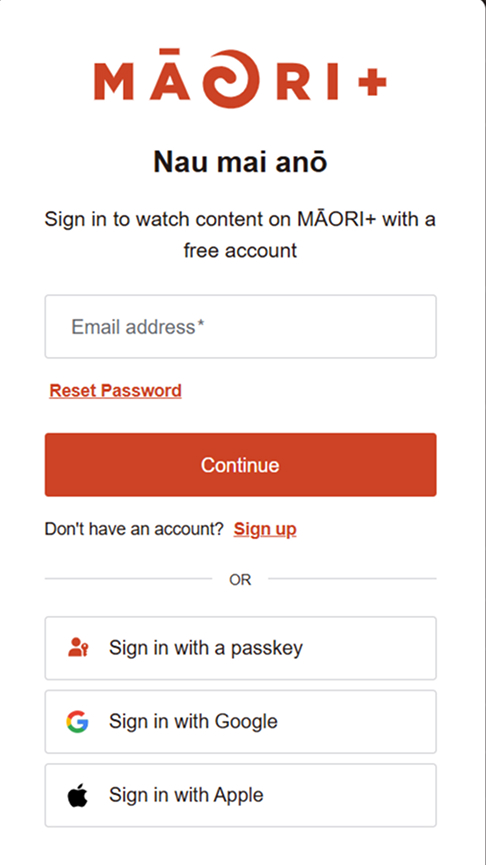
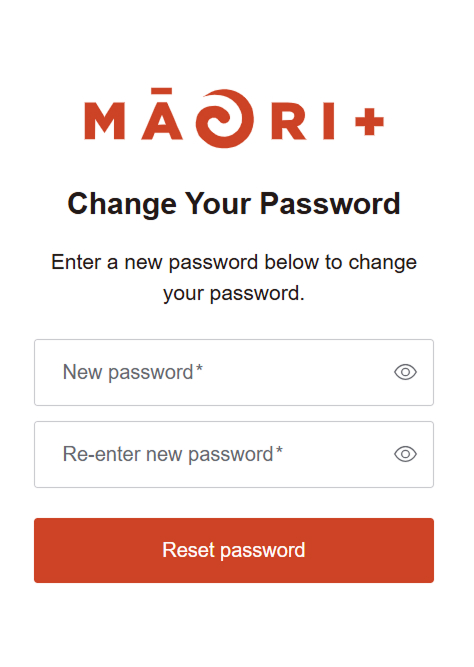
Reset your password from the MĀORI+ sign-in screen.
- Go to www.maoriplus.co.nz/sign-in
- Select Reset Password
A passkey is a secure way to sign in without entering a password.It uses your device's Face ID, fingerprint, PIN or screen lock. Passkeys may only be available on supported devices and browsers. Your biometric information stays on your device and is not shared with MĀORI+.
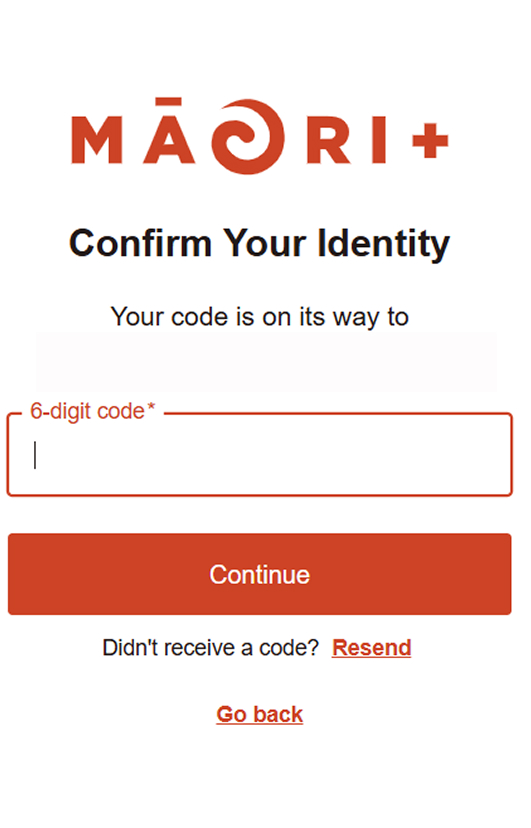
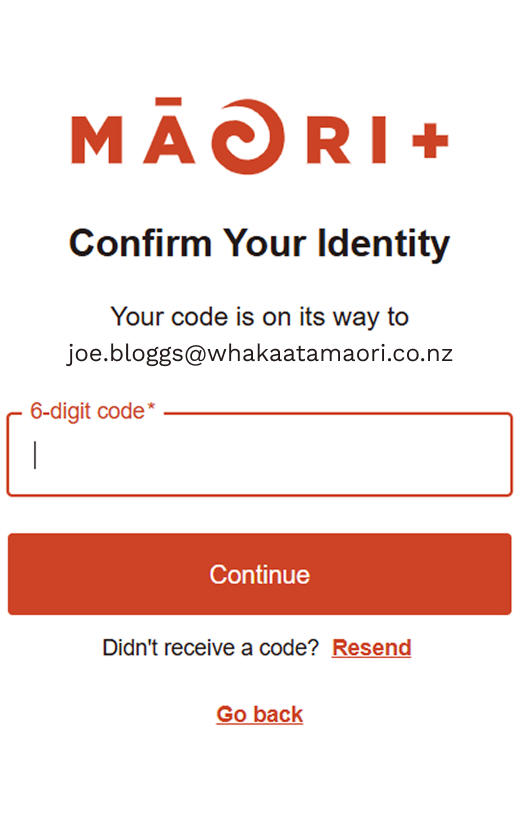
Use the verification message sent to the email address you entered during sign-up.
- Open the verification email from MĀORI+.
- Enter the verification code when prompted.
- Return to MĀORI+ and continue to sign in.
- If the message has not arrived, check your spam folder or select Resend.
You can create or access a MĀORI+ account using Google or Apple.
If the email address used in your Google or Apple account is already registered through another sign in method, you will be asked to link your accounts so you can sign in to the same account through multiple ways.
- Go to www.maoriplus.co.nz/sign-up.
- Select Sign Up.
- Enter your email address, and click Continue.


